How to Automate Multiple Trading Pairs From One TradingView Account
Most traders start automation with a single chart: one strategy, one pair, one alert. It works, so you add another pair. Then a third. Soon you want to automat...
Read more
A step-by-step way to verify a TradingView webhook order actually reached your exchange: check the alert log, the relay response, the exchange order, and your account balance.
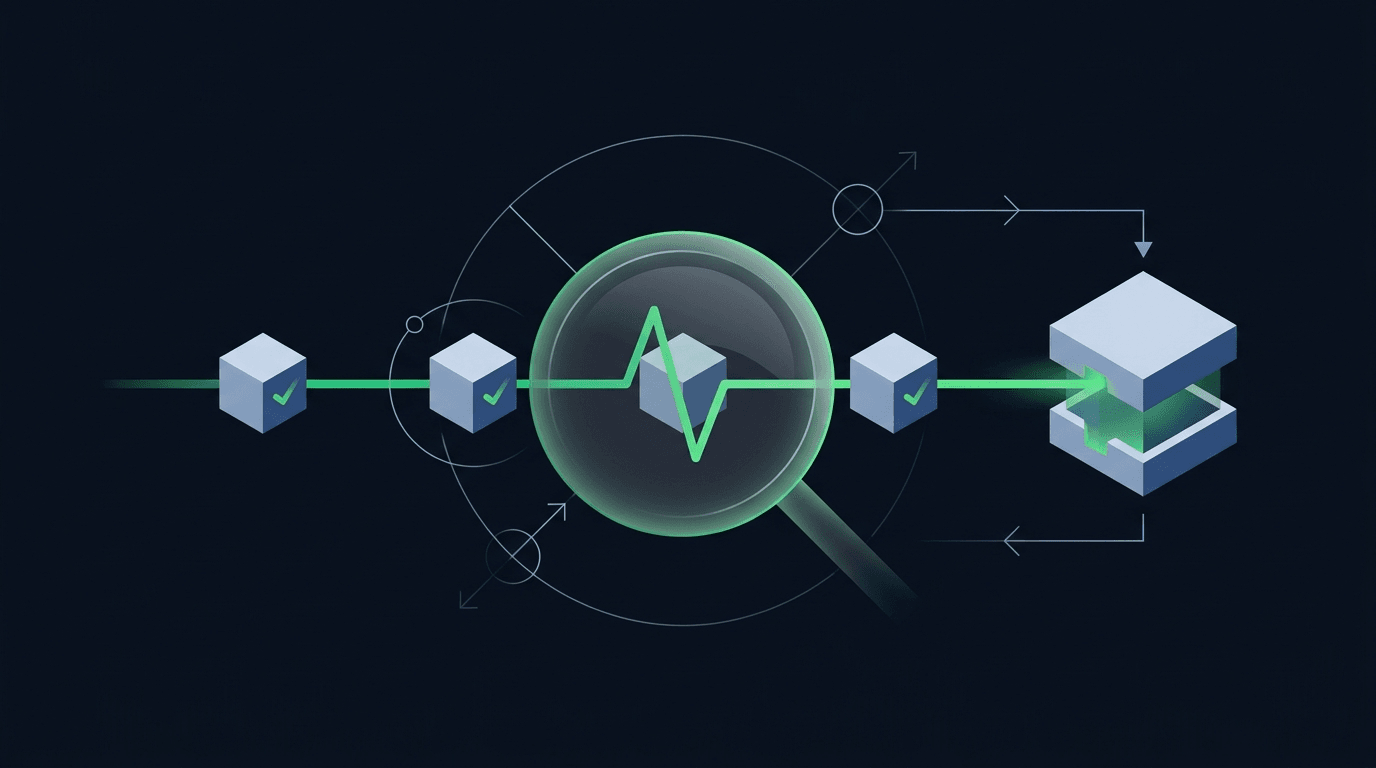
Your strategy printed a buy signal, TradingView flashed the alert, and you moved on. But did an order actually land on the exchange? When you automate trading, the scariest gap is the silent one: the alert looks like it fired, yet nothing happened where it counts. This guide shows you how to verify a TradingView webhook order really reached your exchange, tracing the signal through every hop so you can prove execution instead of assuming it.
The key idea: an alert firing and an order filling are two different events. TradingView can send a webhook perfectly and the order can still be rejected downstream. Verification means checking each stage, not just the first one.
A TradingView alert is only the starting gun. When it triggers, TradingView makes a single outbound HTTP request to whatever URL you configured. That is the last point TradingView knows anything about. It does not wait for the exchange, it does not read the response body, and it will happily report the alert as "triggered" even if the receiving endpoint returned an error.
So a green checkmark in TradingView tells you one thing only: the platform attempted to send the webhook. Everything after that — did the relay receive it, did it parse correctly, did the exchange accept the order, did it fill — happens out of TradingView's view. Treating the alert as proof of execution is the single most common mistake new automators make.
To verify anything, you need a mental map of the journey. A signal that becomes a live order passes through four checkpoints:
Each arrow between those boxes can break. A malformed payload dies at checkpoint two. Wrong API permissions or a bad symbol dies at checkpoint three. A price far from the market can sit unfilled at checkpoint four. Verification is simply confirming that the signal survived all four.
Start at the source. Open the alert log in TradingView (the clock icon in the alerts panel) and confirm your alert has a timestamp matching when you expected it. If there is no entry, the problem is upstream of any webhook: the condition never met, the alert was paused, or you hit your plan's alert limit.
While you are there, check that the alert is configured with a webhook URL and that the message is your intended JSON payload. If the message body is wrong, the rest of the chain will fail no matter what. If you are still shaping that payload, our guide on how to structure a TradingView webhook JSON payload for orders walks through the fields an exchange order needs.
Next, prove the request arrived. TradingView sends and forgets, so the receiving side has to keep the receipt. A good relay logs every inbound webhook with a timestamp, the raw body it received, and the response it returned. Open that log and look for a record that lines up with your alert time.
Three outcomes are possible here. The log shows the request and a success response — good, move on. The log shows the request but an error response — the payload reached you but failed validation, so inspect the error. The log shows nothing at all — the request never arrived, which usually points to a wrong URL, an expired secret, or a signature mismatch. Many of these surface as predictable failures; our roundup of common TradingView webhook errors and how to fix them covers the usual suspects.
A received webhook is still not a placed order. The relay now has to call the exchange API, and the exchange either returns an order ID or rejects the request. This is the checkpoint where verification gets concrete, because exchanges give you a definitive answer.
Look for the exchange's response in your relay log: a successful order response carries an `orderId` and a status like `NEW` or `FILLED`. A rejection carries an error code — insufficient balance, quantity below the minimum, invalid symbol, or a permissions error because the API key lacks trade access. If you see rejections, resolve them at the source rather than retrying blindly; see how to handle failed and rejected orders in a trading bot for a systematic approach. A relay like SignalToExchange returns the exchange's order ID and status back to you, so this checkpoint is a single lookup rather than a guess.
The final, authoritative check happens on the exchange itself, not in any tool. Log in to your exchange (or query it with a read-only key) and look at three places: open orders, order history, and your balances or positions. The order ID from Step 3 should appear in order history with the size and side you expected.
This reconciliation matters because it is the only view your funds actually live in. If the exchange shows the fill, execution is confirmed end to end. If the relay reported success but the exchange shows nothing, you have found a real discrepancy worth investigating before you send another signal. Reconciling against the exchange also reassures you about custody: your funds never leave your account, and a trade-only API key can place and cancel orders but can never withdraw, so verification never means handing over control of your money.
Manual checks are fine while you are learning, but you do not want to log in after every alert forever. Bake verification into the setup so discrepancies find you instead of the other way around:
No. The checkmark means TradingView sent the webhook request. It says nothing about whether your endpoint received it, whether the exchange accepted the order, or whether it filled. Always confirm downstream at the exchange.
Look up the order ID your relay received from the exchange, then confirm it in the exchange's own order history and balances. The exchange account is the authoritative record; a relay's success message should always be reconcilable against it.
Work the chain in order. Confirm the alert in TradingView's log, then the inbound request in your relay log, then the exchange's response, then the exchange account. The first checkpoint with no record is where the break is.
Yes. Use a trade-only API key with no withdrawal permission, and a read-only key for reconciliation if your exchange supports one. You can confirm every order while your funds stay on your own exchange, fully under your control.
Continuously in spirit: alert on every failure in real time, and run a periodic sweep that compares relay records to exchange history. Higher-frequency setups reconcile more often; occasional swing traders can check daily.
Verification turns automated trading from an act of faith into something you can prove. Trace the signal through all four checkpoints — alert, relay, exchange response, and account — and you will always know whether an order landed. If you would rather not build and babysit that plumbing, SignalToExchange submits your signals to your exchange with logged, verifiable responses while your funds stay put under trade-only keys. Request access or start your free trial to see it in action.
Automated trading involves risk. SignalToExchange is execution infrastructure and does not provide financial advice, trading signals, or guarantees of any kind.
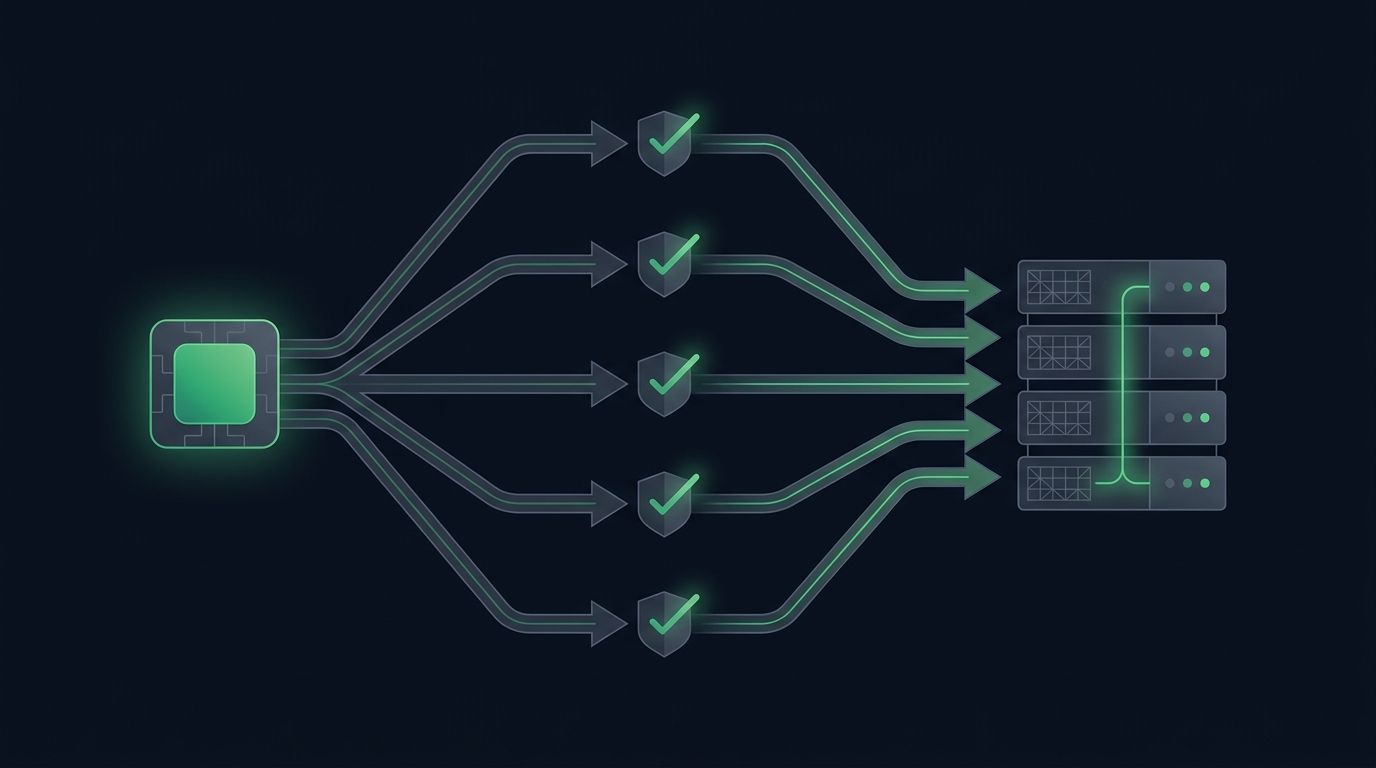
Most traders start automation with a single chart: one strategy, one pair, one alert. It works, so you add another pair. Then a third. Soon you want to automat...
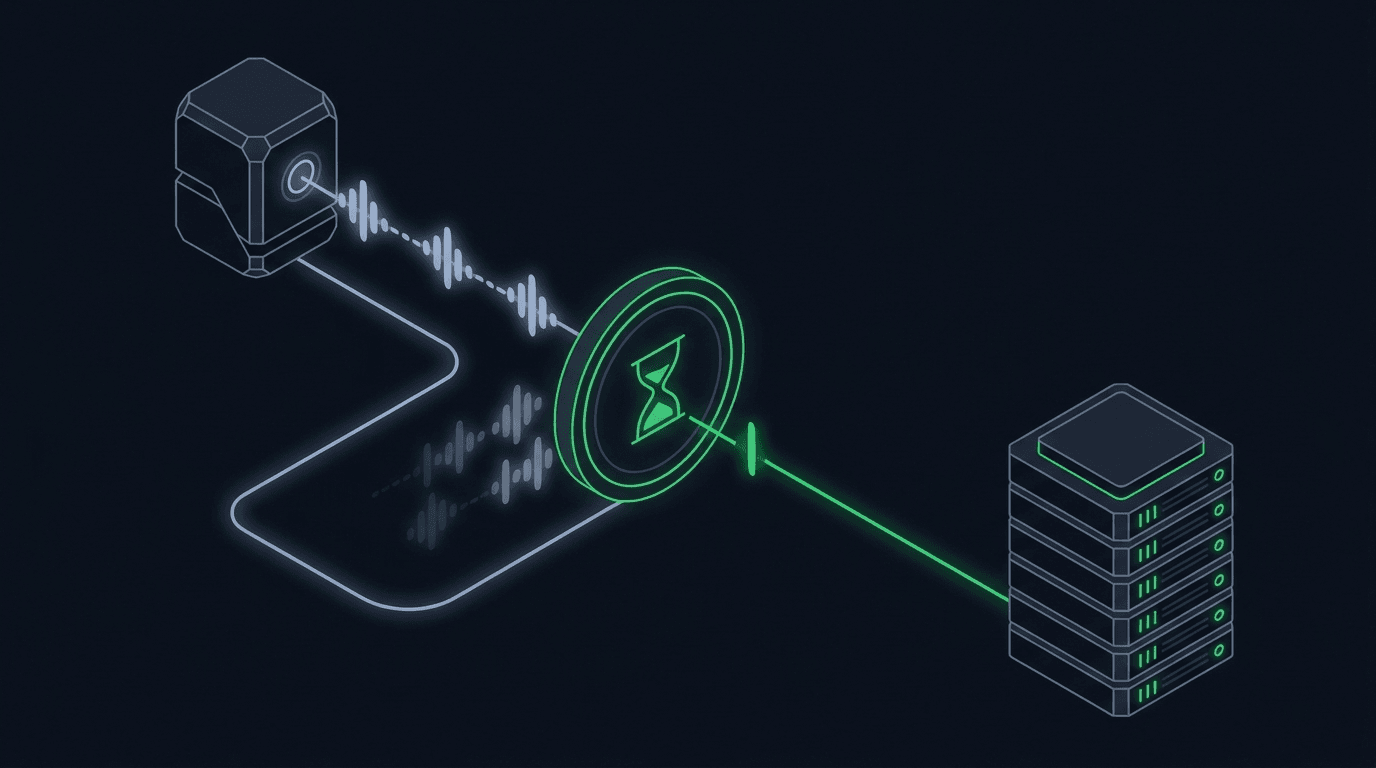
Your strategy is working, alerts are firing, and orders are reaching the exchange. Then the market chops sideways, your indicator flips back and forth across i...
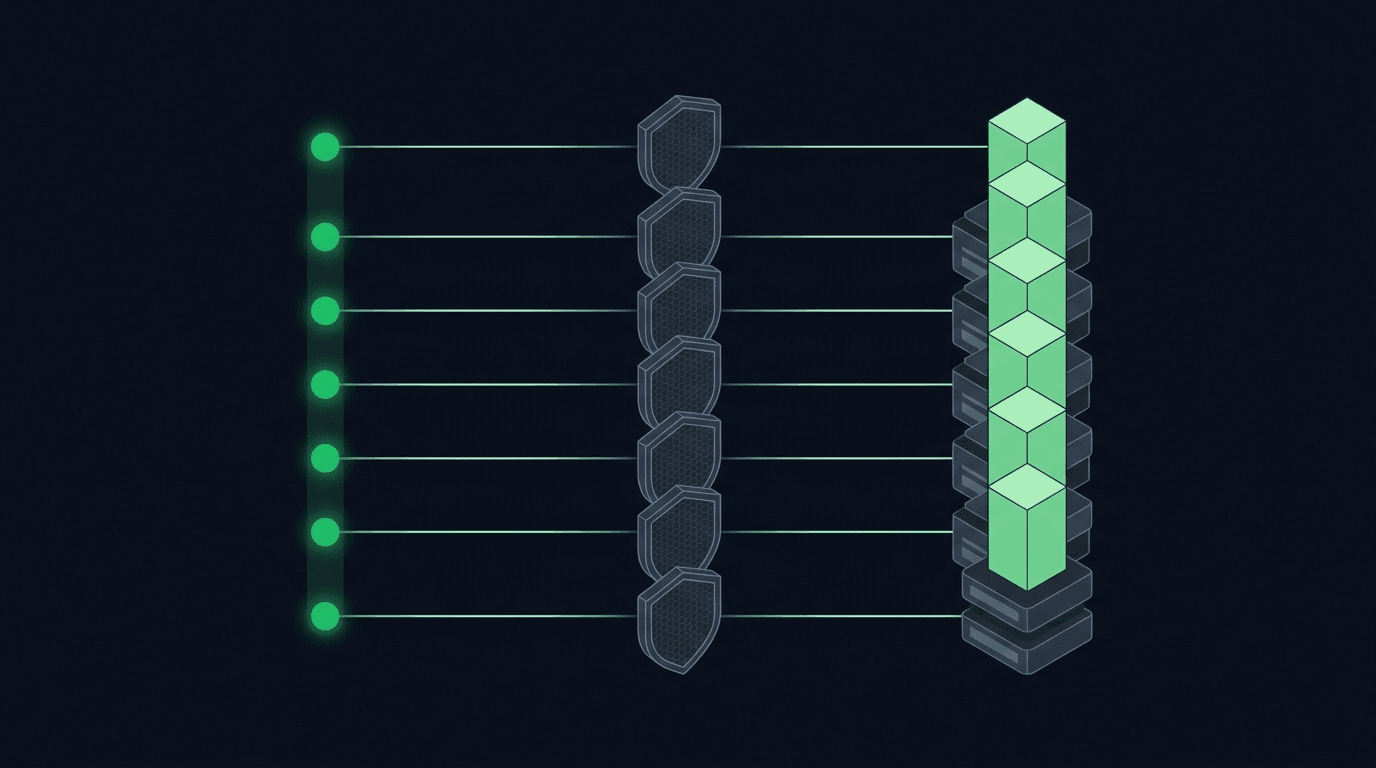
If you run a DCA strategy, TradingView webhook alerts can execute it for you so you are not logging in to place the same buy over and over. Dollar-cost averagi...
Non-custodial execution. Trade-only API keys. Independent infrastructure built for reliability.
Request Early AccessTrade-only API key enforcement. No withdrawal permissions. No custody.