How to Add a Cooldown Between Automated TradingView Orders
Your strategy is working, alerts are firing, and orders are reaching the exchange. Then the market chops sideways, your indicator flips back and forth across i...
Read more
Run many crypto pairs from a single TradingView account: structure one reusable webhook payload, respect alert limits, map symbols per exchange, isolate sizing, and prevent duplicate orders.
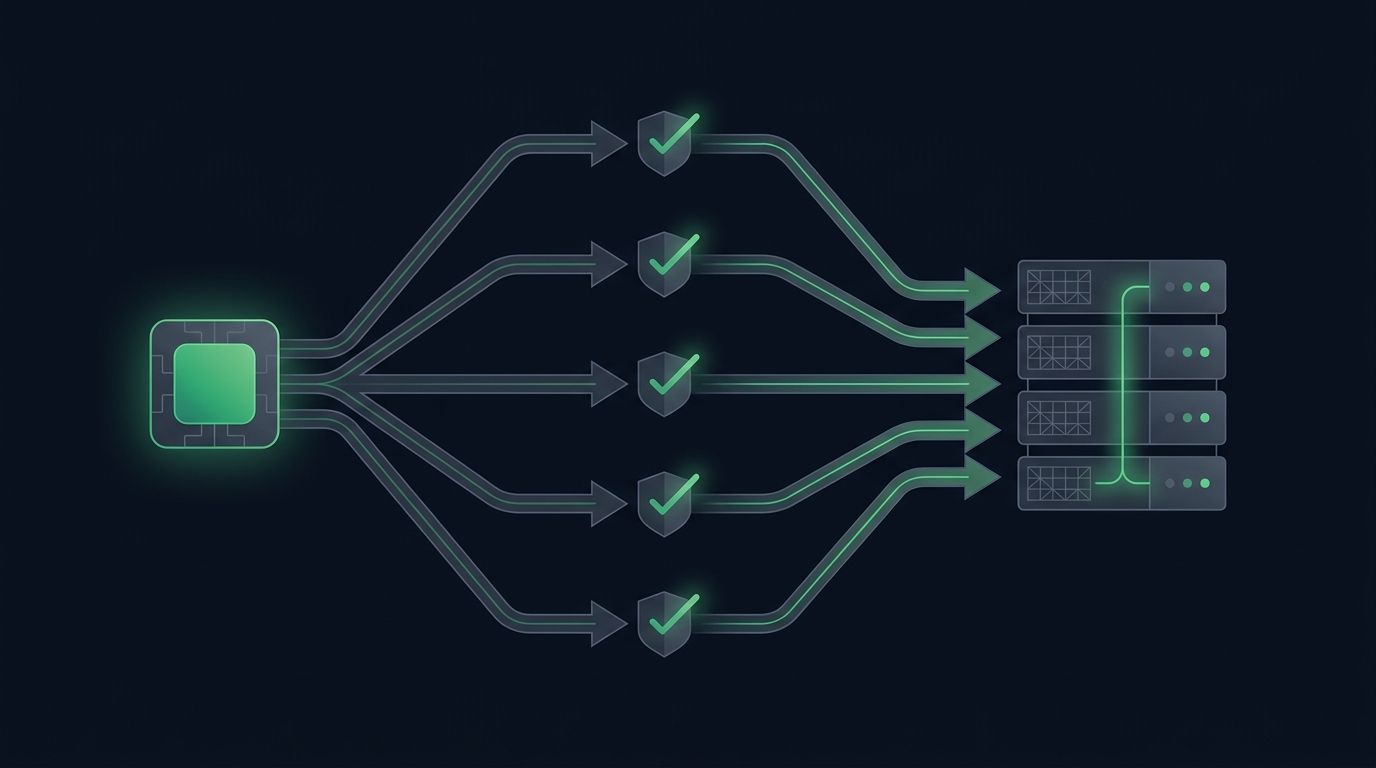
Most traders start automation with a single chart: one strategy, one pair, one alert. It works, so you add another pair. Then a third. Soon you want to automate multiple trading pairs from one TradingView account without babysitting each chart or paying for a stack of extra services. The good news is that TradingView already supports this once you understand how its alert model actually works. The catch is that scaling from one pair to ten changes what can go wrong.
This guide walks through a practical setup for running many pairs from a single account: how to structure alerts, how to route each pair to the correct exchange symbol, how to keep order sizing separate per market, and how to avoid the duplicate-order and race problems that only appear at scale.
With one pair, you rarely think about identity. The alert fires, an order goes out, and there is only one market it could mean. Add more pairs and every message now has to answer a new question: which market is this for?
Multi-pair automation introduces three challenges a single-pair setup hides. First, identity — each signal must clearly name its pair. Second, isolation — a sizing or logic mistake on one pair should not spill into another. Third, limits — TradingView caps how many active alerts your plan allows, so ten pairs times several alert types can hit that ceiling faster than you expect. Solve these three and the rest is mechanical.
The most important thing to internalize: a TradingView alert is attached to a specific chart and symbol, not to your account as a whole. There is no single alert that watches every pair at once. If you want BTCUSDT, ETHUSDT, and SOLUSDT automated, that is at least three alerts, each created on its own chart.
That sounds like more work, but it is actually the feature that makes multi-pair automation reliable. Because each alert lives on its own symbol, each one can carry a payload that unambiguously identifies its market. Your job is to make that identity explicit in the message body so the receiving system never has to guess.
Start by designing a single, consistent JSON payload you will reuse on every chart. The only parts that change per pair are the symbol and direction fields. A clean shape looks like this:
``` { "pair": "{{ticker}}", "action": "buy", "order_type": "market", "size": "0.01" } ```
The `{{ticker}}` placeholder is the key. TradingView substitutes the chart's own symbol at send time, so the same template, pasted onto ten different charts, produces ten correctly labeled messages. You never hardcode the pair. For a deeper look at field design, see our guide on how to structure a TradingView webhook JSON payload for orders.
Keeping one canonical template also means every downstream check — validation, logging, sizing — reads the same fields for every market. Consistency is what lets you scale without a growing pile of special cases.
Once the template exists, replicate it. Open each pair's chart, attach your strategy or indicator, and create an alert whose message is the template above. Because `{{ticker}}` fills itself in, you can literally paste the same text every time.
Before you go wide, check your plan. TradingView limits active alerts per tier, and study or strategy alerts count against that number. If you plan to run entries, exits, and stop adjustments on each of fifteen pairs, do the multiplication first — that is forty-five alerts. Our overview of TradingView alert message format for automated orders covers how to keep each message lean so one alert can carry more of the logic. Combining actions into fewer, richer alerts is often the difference between fitting your plan and outgrowing it.
TradingView symbols and exchange symbols are not always identical. A chart labeled `BTCUSDT.P` on a perpetual futures feed maps to a specific contract on your exchange, while a spot `BTCUSD` chart maps to something else. When you automate many pairs, small naming mismatches become the most common cause of rejected orders.
Build an explicit mapping between the `{{ticker}}` value TradingView sends and the exact symbol your exchange expects. Treat anything unmapped as an error rather than a guess — a signal for a pair you have not configured should be refused, not routed to the wrong market. If you also spread markets across venues, routing one TradingView alert to multiple exchanges explains how the same identity field drives per-venue routing.
A fixed size that suits BTC will not suit a lower-priced or higher-volatility altcoin. Multi-pair automation needs per-pair sizing rules, not one global number.
The cleanest approach is to make size a function of the pair rather than a constant baked into every alert. You can pass an explicit `size` per chart, or centralize a table that assigns each market its own quantity or risk-based amount. Keeping this logic in one place means adjusting a pair's exposure never requires editing ten alerts. For the mechanics of getting size right at the message level, see how to control order size in TradingView webhook alerts. Isolation here is what stops a decimal slip on one pair from quietly resizing another.
At one pair, a repeated alert is annoying. At ten pairs firing during a volatile candle, duplicates and overlapping signals can stack unintended orders. Two safeguards matter most.
Deduplication ensures the same signal, delivered twice, produces one order rather than two. Idempotency keys — a stable identifier derived from the pair, action, and bar time — let the receiver recognize and discard repeats. Our guide on preventing duplicate TradingView alerts from firing covers this at the alert level.
Ordering matters too. If an exit and a re-entry on the same pair arrive milliseconds apart, they should be processed in sequence for that market, not raced against each other. Handling signals per-pair in order keeps one busy market from corrupting another's state.
SignalToExchange is the relay layer between your TradingView alerts and your exchange. You keep your funds on your own exchange and connect trade-only API keys with no withdrawal access, and the relay reads the `pair` field in each webhook, maps it to the right exchange symbol, applies your per-pair rules, and submits the order. Because it is non-custodial, adding a tenth pair does not mean handing over more control of your money — only more signals for the relay to route. Setting up trade-only API keys takes a few minutes and keeps the security model the same no matter how many pairs you run.
There is no hard pair limit — the practical ceiling is your plan's active-alert allowance. Each pair needs at least one alert, and each additional action (exit, stop adjustment) adds more. Count the alerts you need across all pairs and compare that to your tier before scaling.
No. A single account handles many pairs because each alert is attached to its own chart and symbol. Using `{{ticker}}` in the message lets one template serve every chart while still labeling each signal correctly.
It reads the pair identifier in the webhook payload. When you use the `{{ticker}}` placeholder, TradingView inserts the chart's symbol automatically, so the message always names its own market without manual editing.
Not with a non-custodial relay. Trade-only API keys allow order placement but never withdrawals, so your balance stays on your own exchange regardless of how many pairs you automate. The relay only ever has permission to trade.
Running many markets from one account is mostly about discipline: one payload template, one symbol map, isolated sizing, and safeguards against duplicates. Get those pieces right and adding a new pair becomes a copy-paste, not a project. Request access or start your free trial to see how SignalToExchange routes multiple pairs from a single TradingView account securely.
Automated trading involves risk. SignalToExchange is execution infrastructure and does not provide financial advice, trading signals, or guarantees of any kind.
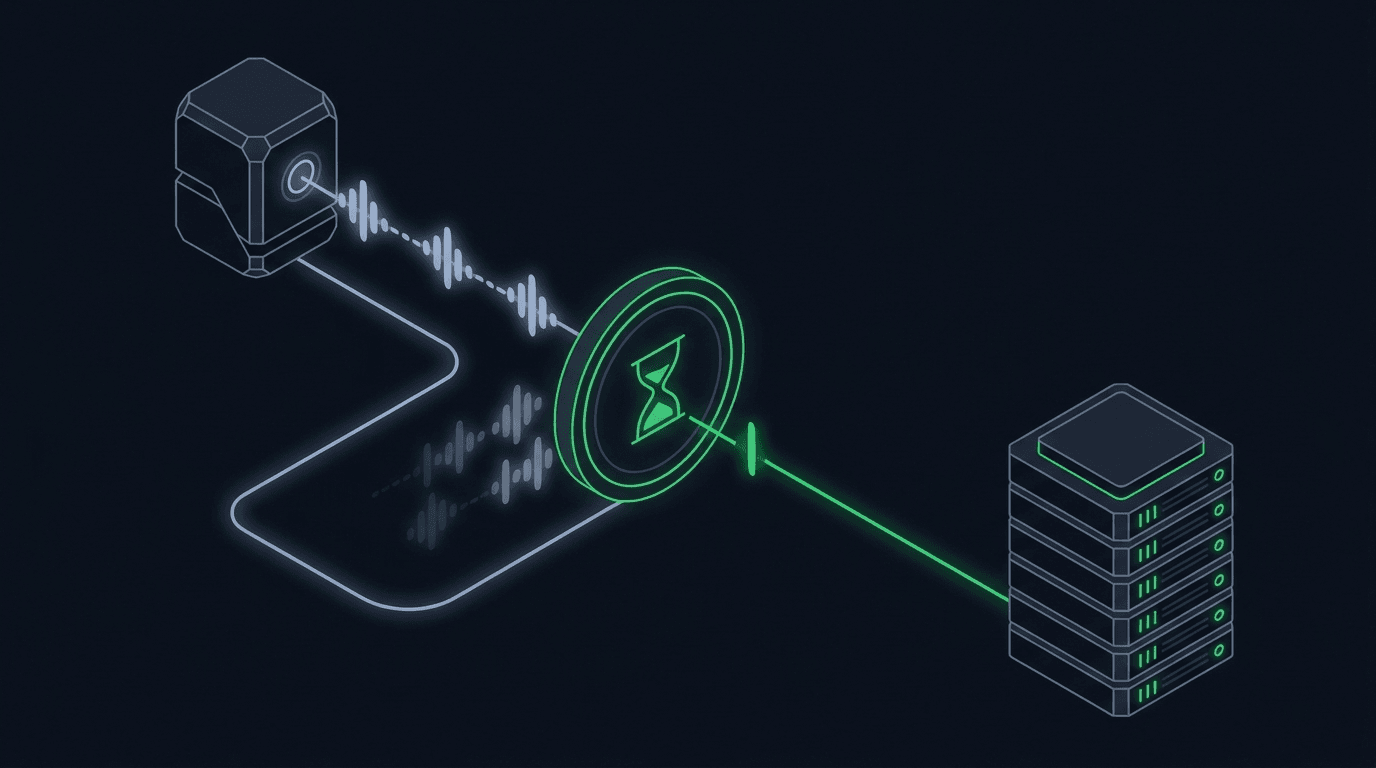
Your strategy is working, alerts are firing, and orders are reaching the exchange. Then the market chops sideways, your indicator flips back and forth across i...
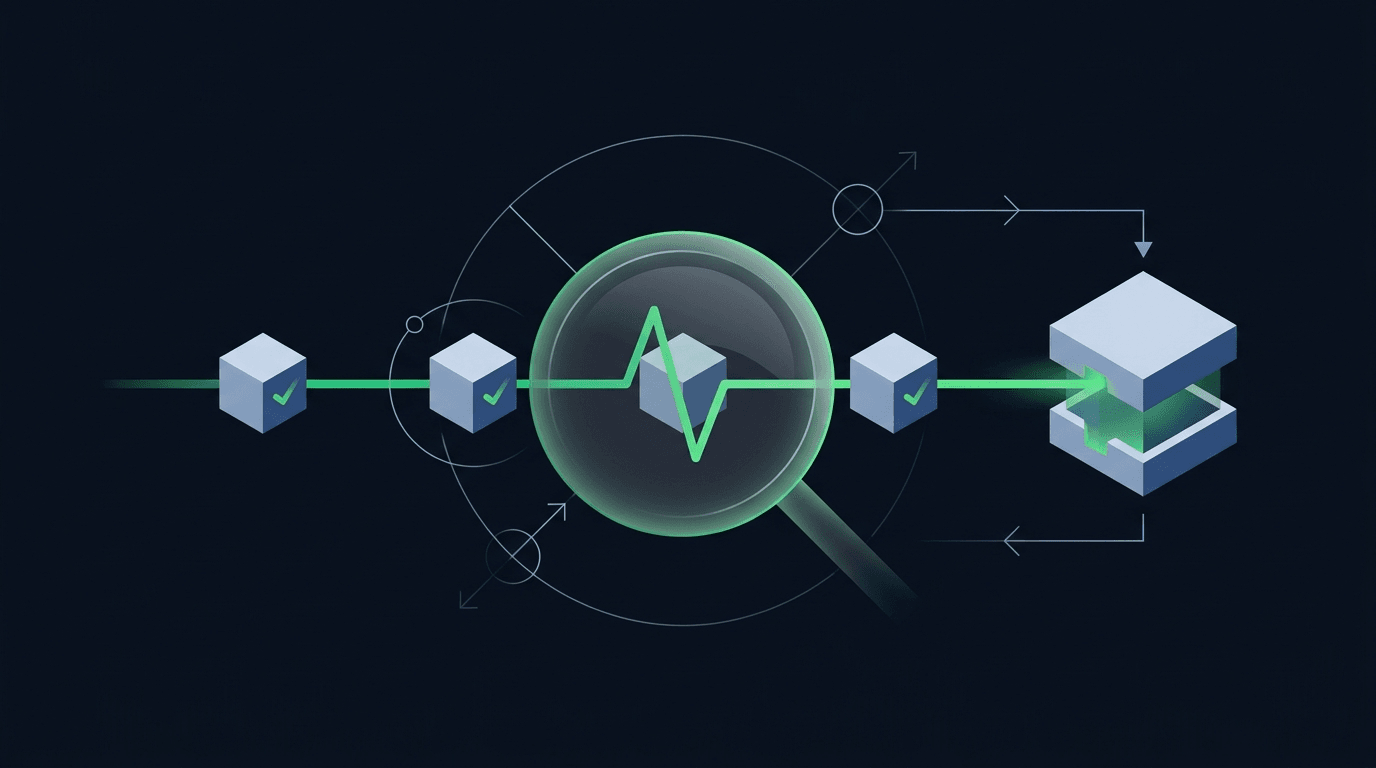
Your strategy printed a buy signal, TradingView flashed the alert, and you moved on. But did an order actually land on the exchange? When you automate trading,...
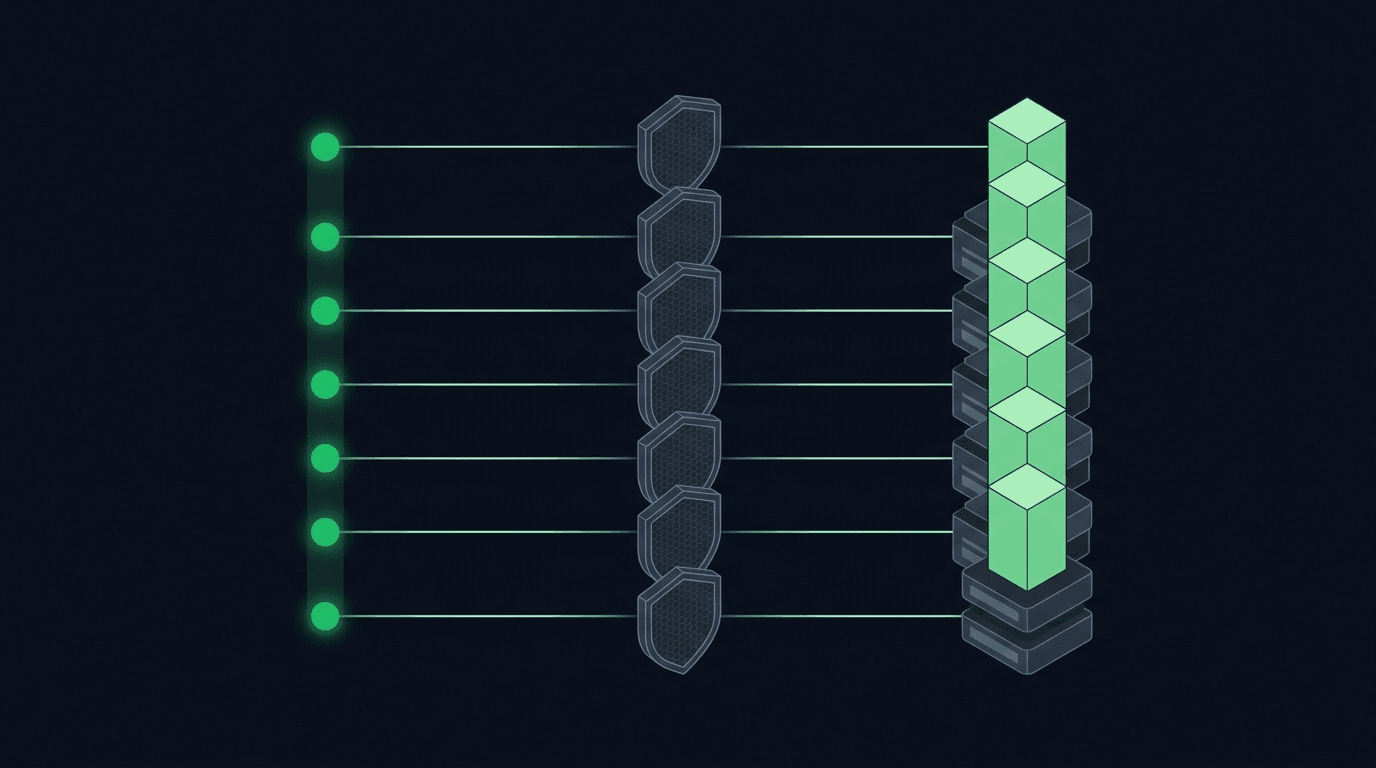
If you run a DCA strategy, TradingView webhook alerts can execute it for you so you are not logging in to place the same buy over and over. Dollar-cost averagi...
Non-custodial execution. Trade-only API keys. Independent infrastructure built for reliability.
Request Early AccessTrade-only API key enforcement. No withdrawal permissions. No custody.