How to Automate Multiple Trading Pairs From One TradingView Account
Most traders start automation with a single chart: one strategy, one pair, one alert. It works, so you add another pair. Then a third. Soon you want to automat...
Read more
A complete guide to setting up a TradingView webhook that routes alerts to your crypto exchange and places orders automatically — non-custodial, with trade-only keys.

A TradingView webhook is the bridge between an alert that fires on your chart and an order that actually lands on your exchange. TradingView is excellent at watching the market and telling you the moment your conditions are met — but on its own, an alert only sends a notification. It does not place a trade. A TradingView webhook closes that gap: it sends the alert, as structured data, to a service that can turn it into a real exchange order. This guide covers what a webhook is, what you need, and how to wire one up end to end.
When an alert triggers, TradingView can fire an HTTP POST request to a URL you choose, carrying a message you define. That request — the webhook — is just data moving from TradingView to another server. The receiving service reads the message, decides what to do, and acts. In trading automation, the receiver is an execution layer that validates the message and forwards a correctly formatted order to your exchange.
The key thing to understand: signals are easy; execution is hard. The webhook is the easy first half. The reliable, secure half is everything that happens after the request arrives — validation, order formatting, deduplication, and routing to the right exchange.
In your exchange's API settings, generate a new key with trade permission only. Leave withdrawal access disabled. A trade-only key lets the execution layer buy and sell within your account but can never move funds off the exchange, which bounds the worst case to an unwanted trade rather than a lost balance.
Paste the trade-only key into your execution service. A well-built layer encrypts credentials at rest — SignalToExchange uses envelope encryption, so even with database access the keys aren't readable. The service then gives you a unique webhook URL tied to your account and trading rules.
Create or edit an alert on your strategy or indicator. In the alert dialog, enable Webhook URL under Notifications and paste the URL from step 2. TradingView will now POST to that address every time the alert condition is met.
The alert's message body is the payload TradingView sends. Use a structured, machine-readable message — typically JSON — that tells the execution layer exactly what to do. A clear payload usually includes the trading pair (for example BTCUSDT), the action (buy or sell), the order type, and the size. Keeping this format consistent across alerts is what lets one alert map cleanly to one order.
Fire the alert manually or with a small position size and confirm the order appears on your exchange. Check that the pair, side, and quantity match what you intended. Only scale up once a few test orders behave exactly as expected.
Once your alert, your webhook, and a trade-only key are connected, your strategy can run hands-free while your funds stay exactly where they are — on your own exchange. The webhook carries the signal; a non-custodial execution layer does the hard part of turning it into a properly formatted, deduplicated order. For a worked example on a specific exchange, see how to automate a TradingView strategy on Binance. When you're ready to connect your own alerts, request access / start your free trial →
Automated trading involves risk. SignalToExchange is execution infrastructure and does not provide financial advice, trading signals, or guarantees of any kind. You control your strategy and your keys.
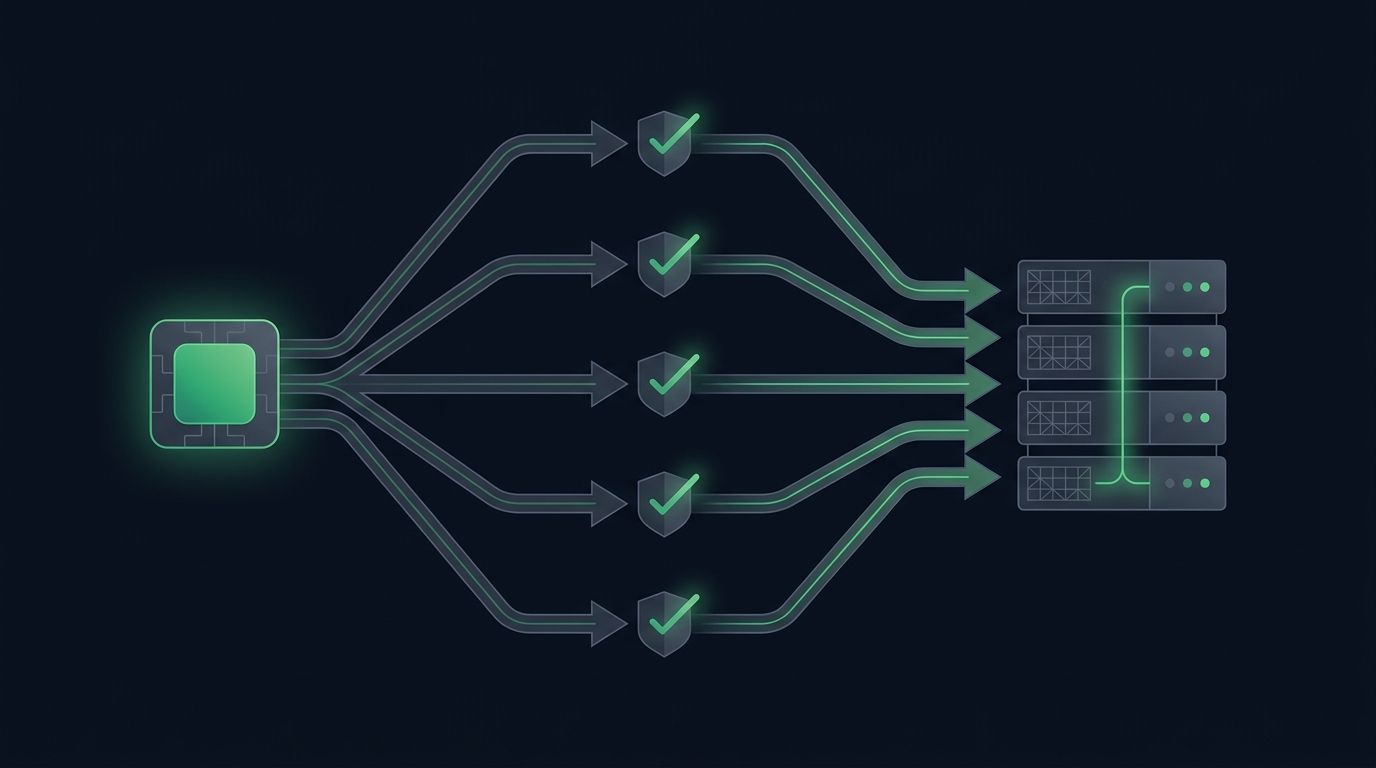
Most traders start automation with a single chart: one strategy, one pair, one alert. It works, so you add another pair. Then a third. Soon you want to automat...
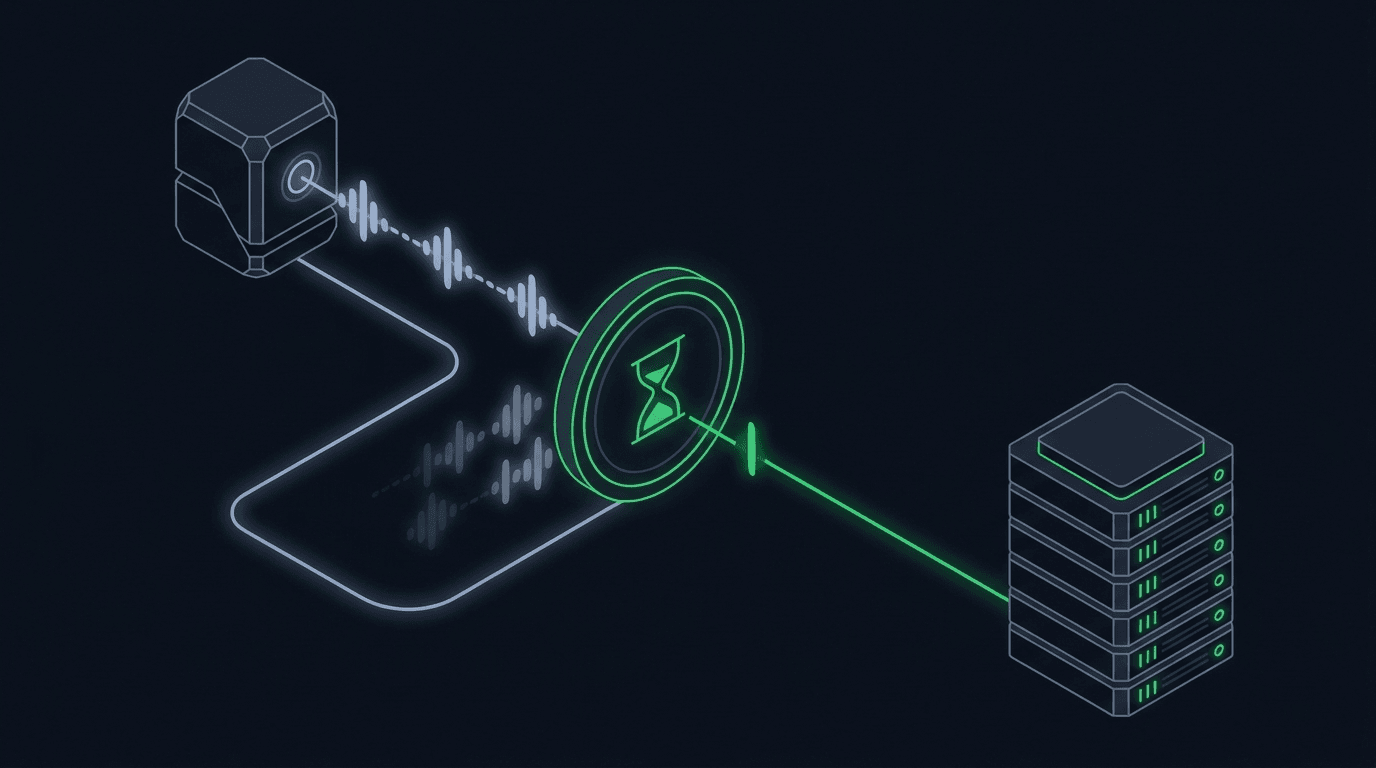
Your strategy is working, alerts are firing, and orders are reaching the exchange. Then the market chops sideways, your indicator flips back and forth across i...
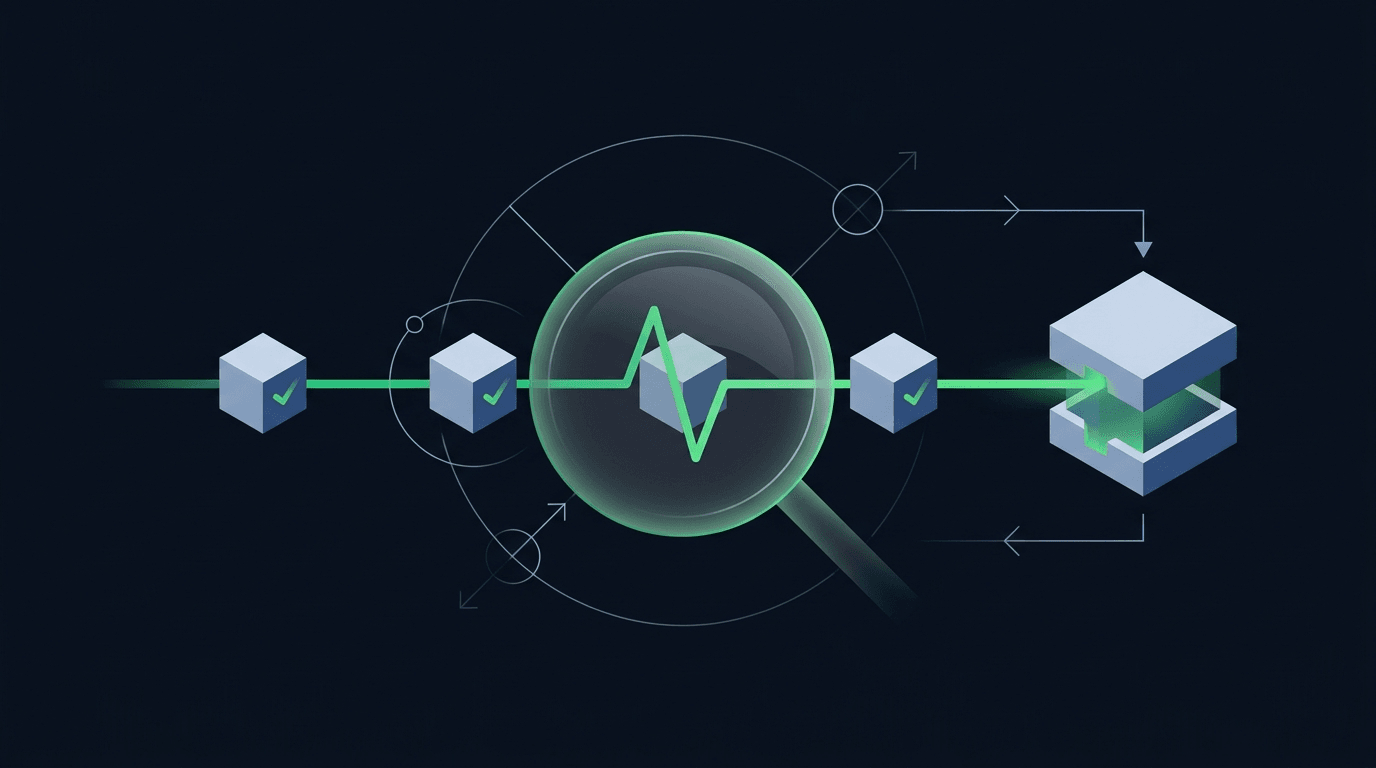
Your strategy printed a buy signal, TradingView flashed the alert, and you moved on. But did an order actually land on the exchange? When you automate trading,...
Non-custodial execution. Trade-only API keys. Independent infrastructure built for reliability.
Request Early AccessTrade-only API key enforcement. No withdrawal permissions. No custody.