How to Automate Multiple Trading Pairs From One TradingView Account
Most traders start automation with a single chart: one strategy, one pair, one alert. It works, so you add another pair. Then a third. Soon you want to automat...
Read more
A step-by-step guide to turning TradingView alerts into live Binance orders through secure webhook infrastructure — no coding required.
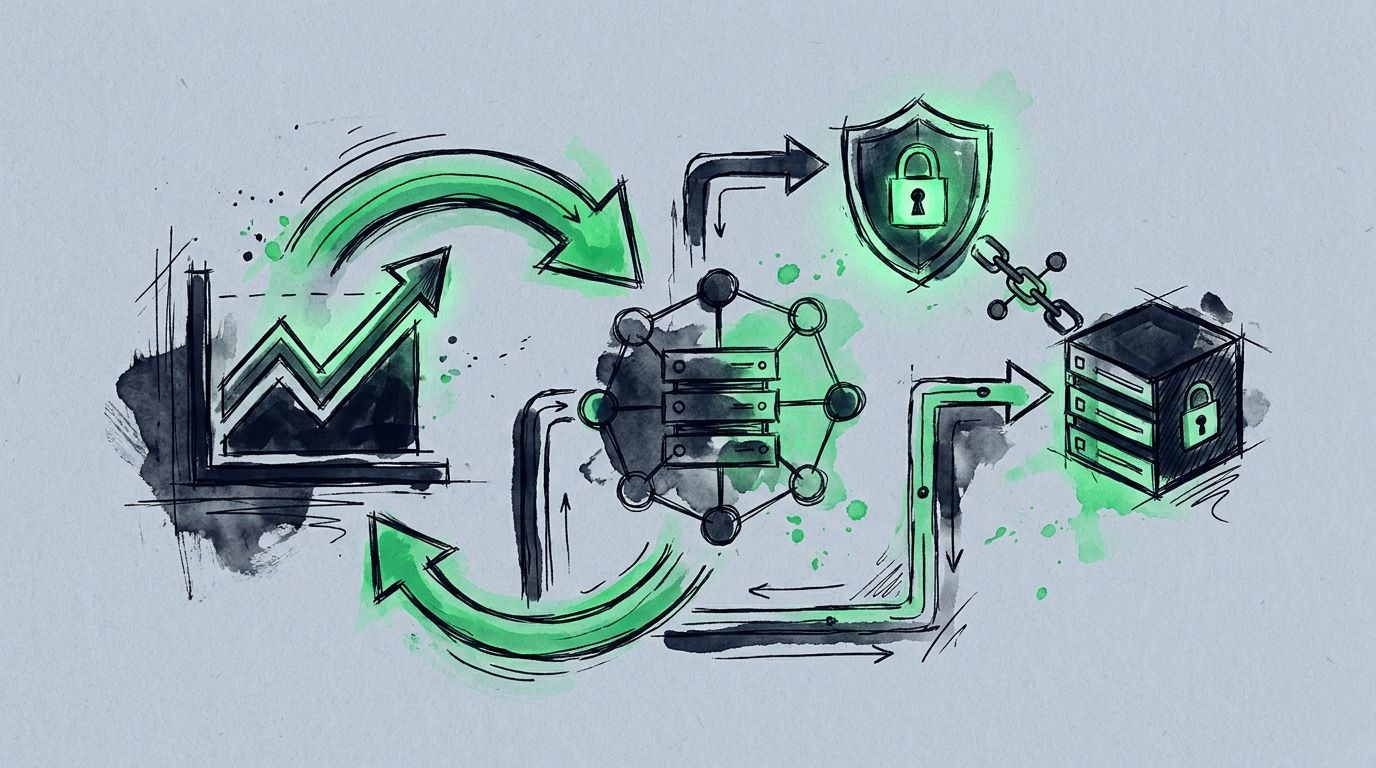
If you want to automate a TradingView strategy on Binance, the hard part isn't the strategy — it's execution. TradingView is where most traders build, backtest, and refine their ideas. But a TradingView alert only notifies you; it doesn't place a trade. This guide closes that gap: how to connect a TradingView strategy to Binance so your alerts execute automatically, with no code and without handing over custody of your funds.
TradingView fires an alert when your strategy triggers. That alert sends a webhook — a small, structured message — to an execution layer. The execution layer validates the message and submits a correctly formatted order to Binance using your trade-only API key. Your funds never leave Binance; only order instructions move. If you want the underlying mechanics first, see our complete TradingView webhook setup guide.
In Binance, open API Management and create a new API key. Enable Spot & Margin Trading (or Futures, if that's your strategy) and leave withdrawals disabled. Never enable withdrawal permission for an automation tool — a trade-only key bounds the worst case to an unwanted trade rather than lost funds. If Binance offers IP restrictions, restrict the key to your execution provider's published IPs for another layer of safety. Copy the API key and secret. New to this? Read whether it's safe to give a trading bot your API keys.
In SignalToExchange, add a new exchange connection, choose Binance, and paste your trade-only key and secret. Credentials are encrypted at rest with envelope encryption, so they aren't readable even with database access. You'll receive a unique webhook URL for routing signals.
Open your chart, indicator, or Pine Script strategy in TradingView and create an alert. In the alert's Notifications tab, enable Webhook URL and paste the URL from the previous step.
In the alert's Message box, send a structured payload describing the action, symbol, and parameters — for example the action (buy, sell, or close), the trading pair, and the order size. TradingView placeholders let a single alert handle long, short, flat, and flip without editing your strategy code. SignalToExchange normalizes this payload into a properly formatted Binance order.
Trigger the alert manually, or use a small position size, and confirm the order appears both in Binance and in your SignalToExchange activity feed. Idempotency handling ensures a repeated signal fires exactly one order, so you won't get accidental duplicates if TradingView retries the webhook. Once the full path behaves as expected, let your strategy run.
It's worth being precise about what is and isn't happening here. SignalToExchange never holds your coins and never has a key that can move them. The only credential involved is a trade-only Binance API key that lives encrypted, can place and cancel orders, and cannot withdraw. Your balance stays in your own Binance account the whole time, under your login and your withdrawal controls. The execution layer simply listens for your TradingView signal, checks it against your rules, and forwards a single, properly formatted order. If you ever want to stop, you revoke the API key in Binance and the connection goes dead immediately — no one else can act on your account.
With trade-only keys, a webhook URL, and a structured alert message, your TradingView strategy executes on Binance automatically — while your funds stay on your exchange the entire time. The same flow works for Bybit, Kraken, OKX, and other supported exchanges; only the API-key setup screen differs. When you're ready to connect your own alerts, request access / start your free trial →
Automated trading involves risk. SignalToExchange is execution infrastructure and does not provide financial advice, trading signals, or guarantees of any kind. You decide what to trade and you control your keys; we relay your signals.
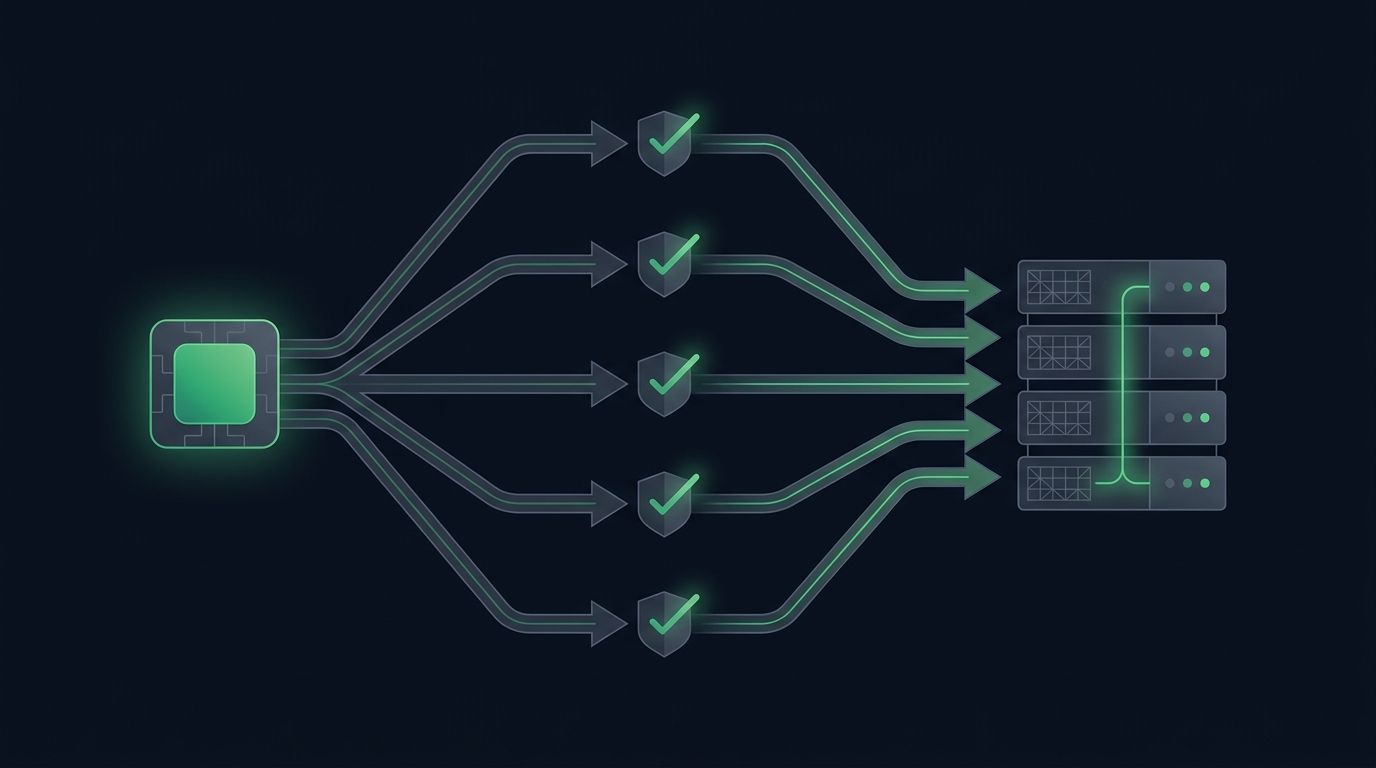
Most traders start automation with a single chart: one strategy, one pair, one alert. It works, so you add another pair. Then a third. Soon you want to automat...
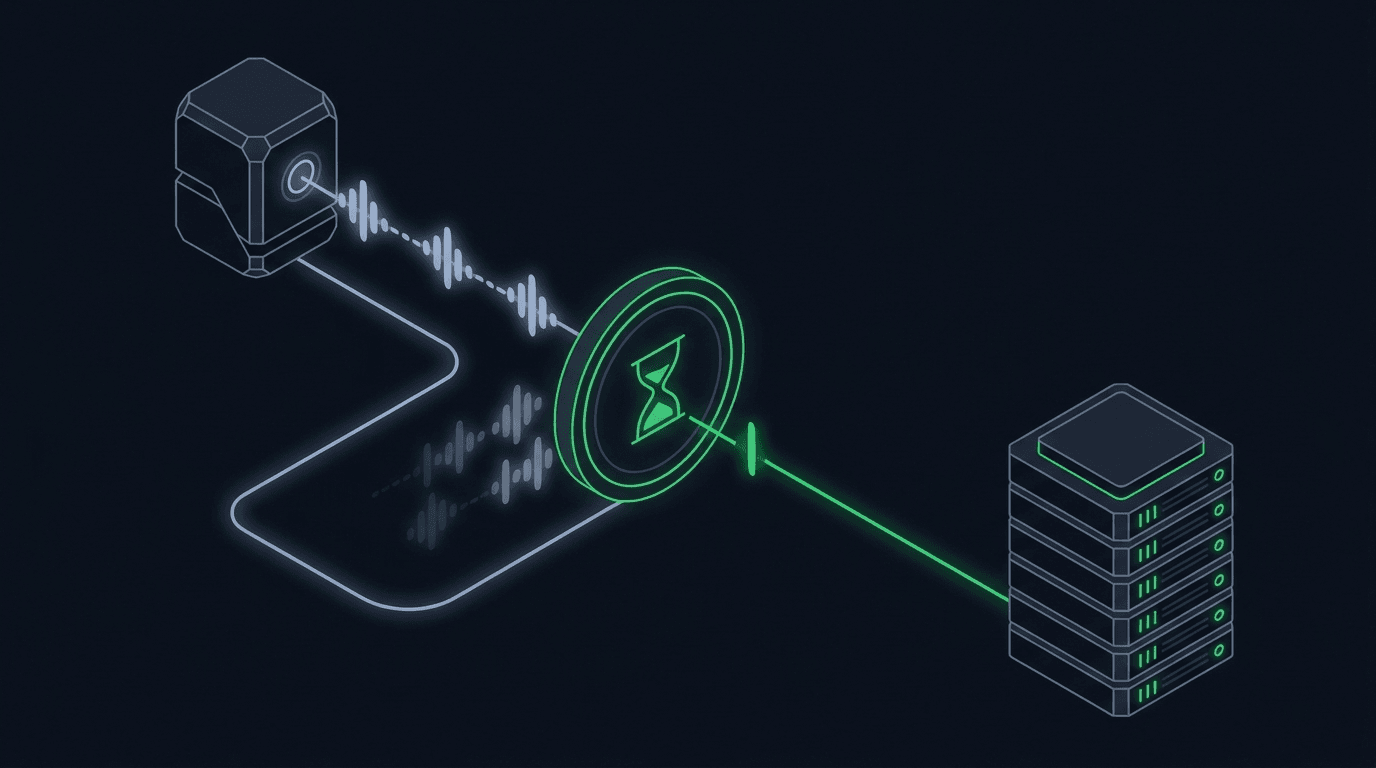
Your strategy is working, alerts are firing, and orders are reaching the exchange. Then the market chops sideways, your indicator flips back and forth across i...
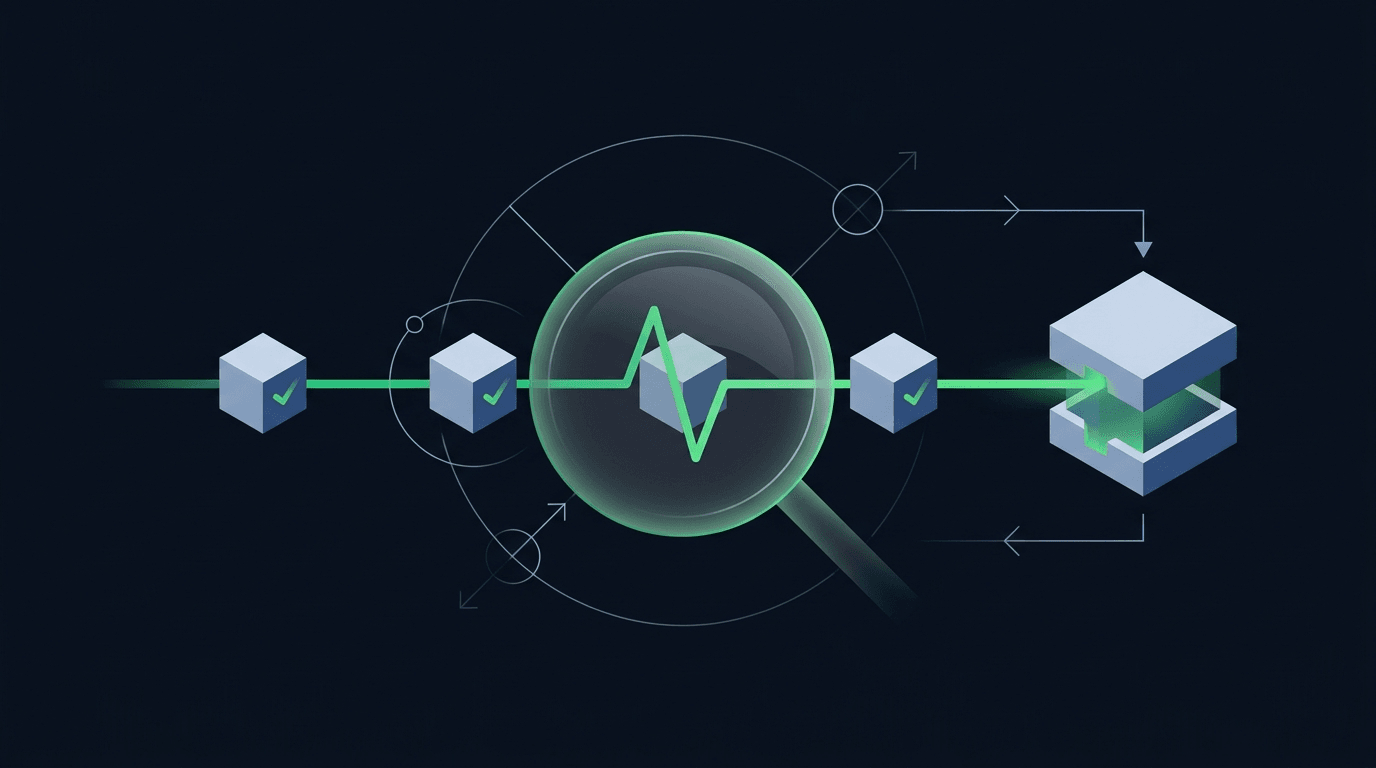
Your strategy printed a buy signal, TradingView flashed the alert, and you moved on. But did an order actually land on the exchange? When you automate trading,...
Non-custodial execution. Trade-only API keys. Independent infrastructure built for reliability.
Request Early AccessTrade-only API key enforcement. No withdrawal permissions. No custody.